What is the difference between "Development" and "Production" modes in a REDCap Project?
16 September 2026
Topics
Project
An overview of the two operational modes of a REDCap project, when to switch between them and why it is important to understand what each mode does to a Project.
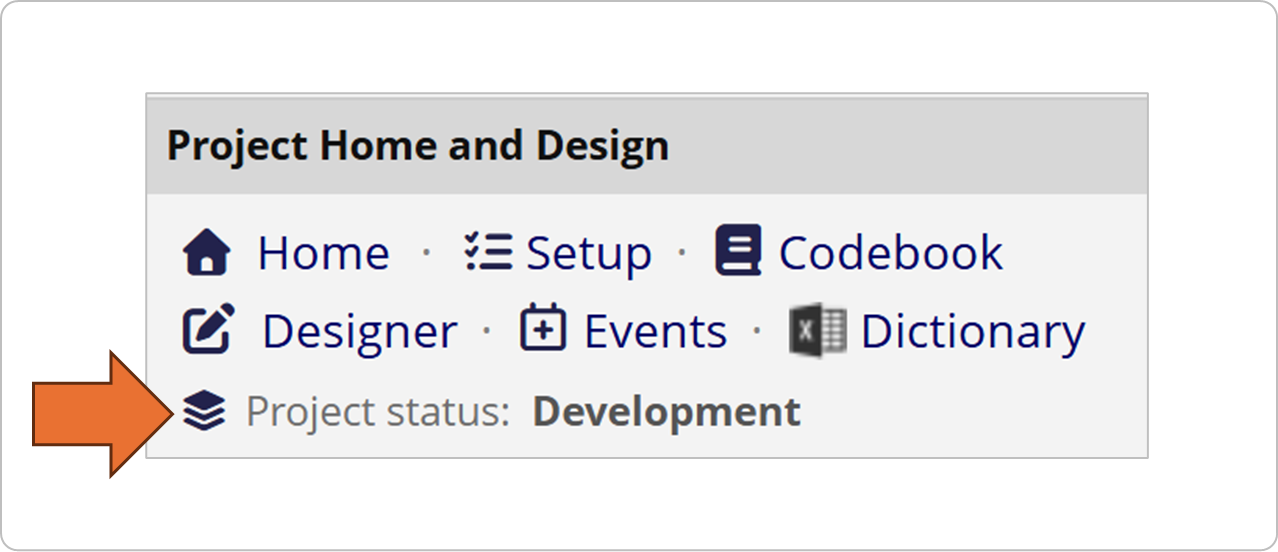
Development Mode
Every REDCap Project starts in Development Mode by default.
Everything in the Project can be freely modified, and all changes take effect immediately, including changes which may result in data loss.
This allows you to quickly build forms, test branching logic, and enter mock data as part of the building and testing process.
You should not be collecting real, actual/live data while the Project is in Development mode as there is no protection against accidental data loss from Project changes.
Production Mode

Once real data collection begins, we strongly recommend you switch the Project to Production Mode. This locks down the Project design.
Changes can still be made BUT the drafted Changes DO NOT take effect immediately.
Any subsequent changes to variables or form fields must then pass through a data-safety review by the REDCap Administrator to prevent accidental data loss or corruption.
If there is a real risk to existing data, the REDCap Administrator will contact the Project Owner to confirm the change request.
Before switching to Production Mode
Before switching the Project status, test your project by entering at least 5 to 10 test records, which include intentionally-wrong data, to verify the following:
Data Entry Flow: Ensure fields appear in a logical order and that matrix rankings or dropdown options make sense to a data entry person.
Branching Logic: Confirm that hidden fields accurately appear or disappear based on the answers given in previous questions.
Calculated Fields: Verify that mathematical formulas (like BMI or age calculations) compute the correct values immediately upon data entry.
Field Validation Rules: Check that text fields requiring specific formats (such as dates, email addresses, phone numbers, or integers) have validation rules applied, and test that the validation rules correctly blocks or flags invalid text entry. (This is where the intentionally wrong data is helpful!)
Exported Data: Run a test data export to your preferred statistical software to ensure variables, headers and data format correctly for analysis.
You should only switch to Production mode when the REDCap Project is fully built out as needed, has successfully passed testing and is ready to accept real, live data entry.
How to switch your Project status to Production Mode

Navigate to Project Setup: Open your project and click on "Setup" in the left navigation menu.
Move to Production: Scroll down to the bottom of the page to the section titled "Move your project to production status".
Click the Button: Click on the "Move project to production" button.
Clear Test Data: A pop-up box will appear asking if you want to keep or delete your existing data. You should check the box to delete all test records and data so your Project starts completely clean.
Submit Request: Click "I Agree". Your project status will switch after approval from the REDCap Administrator.